
The 7 Steps of a Professional Design Process

(Updated August 27, 2020)
Young graphic designers take time to learn the ropes of the design process. While experienced ones just need a handy refresher to polish their own methods.
Completing a high-quality design job according to a client's needs is no easy task. Freelance graphic designers know that structuring your approach results in effective time management.
There are many ways you can approach this process depending on your client, objectives, and campaign. But there are essential phases that any designer should never skip. Factors such as research, revisions, and the likes will secure your path to graphic design success. We mapped them out to help you impress any client with professionalism.
Here are the 7 steps most design projects will have to pass through to get from the initial client briefing to a successful project.
Step 1 – Study the Client Brief

Set goals and context from the brief – this intake sheet is the blueprint that leads you to the final design. Ask as many questions as you can now, to make sure you start off on the right path.
Make sure that your questions will yield answers that will enlighten you on the project key points. What message is the project trying to convey? What art styles and design approach would they like to see? Would they be open to using illustrations or photographs?
Don’t be afraid of asking because it’ll always be better than guessing. A thorough design brief acts as a reference point for both you and the client, making sure everybody is on the same page. Keep it close throughout the entire process.
Defining and managing their expectations will give you a better idea of how you can make your client’s vision come to life.

Step 2 – Research, Research, Research

Research as much as you can. This helps you understand the project as fully as you can. Initial research areas should always include the client's company history and culture, the local (and possibly international) competitor landscape, and any industry-related trends. Doing this will keep you away from revising your draft because it looks too similar to your client’s competitor.
For the next step, you need to analyze your project's target audience. You need to consider the age, gender, income, employment, location, and lifestyle of the people the client wants to reach. Knowing your audience is key to ensuring you communicate the right message in the best way possible.
Create more visually compelling projects by reading more about the importance of design researchhere.
Step 3 – Brainstorm

You've researched your brief, the client, the industry, and the audience. Now it's time to start putting it all together.
One way to generate ideas is to use structured mind maps with ideas linked to your central concept. Others prefer to make lists or write random ideas you get from time to time on scrap pieces of paper or on their phone. No matter what method you choose, there’s always a way to get those ideas flowing!
Make sure you keep a record of all your ideas and concepts. You will never know when something you initially discarded will come back as the perfect solution to all your troubles. Your current drafts may become a treasure in the future. This will help you create a bank of design ideas that will be really handy for your coming projects.
Step 4 – Sketch
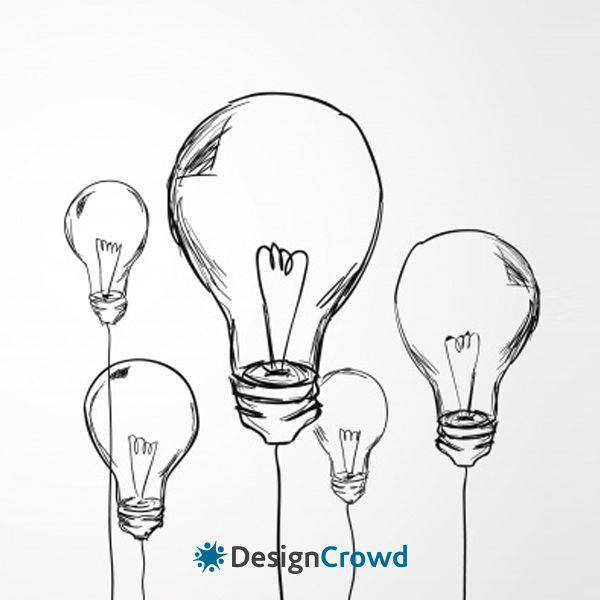
Sketching your ideas to define their visual elements is a good way to save time. You don't want to spend heaps of time in Illustrator refining a concept that your client won’t like. These prototypes will allow you to work on your design with confidence, too. It is a common practice done by experienced graphic design professionals to give their work a solid foundation.
With sketches and design mock-ups, you can create a number of different concepts faster as they do not require too many details. This is how you can get a feel for how fundamental elements such as the basic layout of a web page design or the shape of your logo design will work.

Step 5 – Concept Development
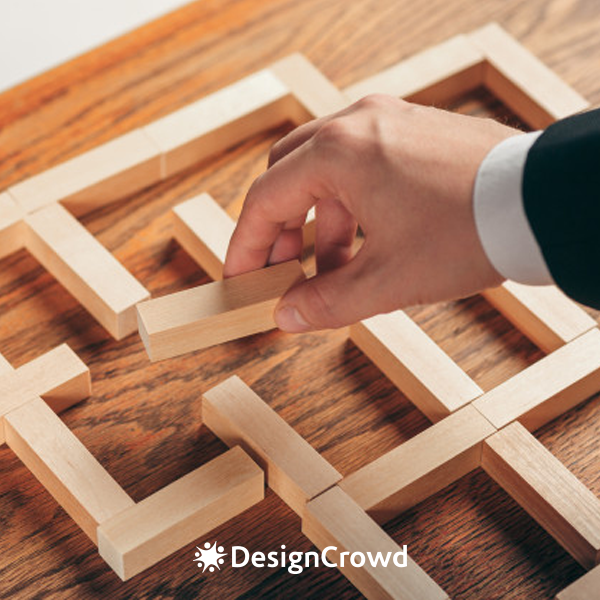
Once you've sketched out your initial thoughts, it's time to develop your favorite concepts a bit further. It is a good idea to develop 3-5 different concepts to give your client some choice. Although that number can fluctuate depending on the project's needs.
Present these concepts to your client, explain the rationale behind each one, and why the design will work. This is where all your design research will come in handy!
Don't think the concepts not chosen are wasted either. Giving your client options often allows you to combine their favorite elements from each one. Did they like the font you used for Option 1? Or the color scheme you created for Option 3? Pick up their preferences and use it on your work. It will give you valuable insight into your client, which will help you hit that final design out of the park.
Step 6 – Revisions
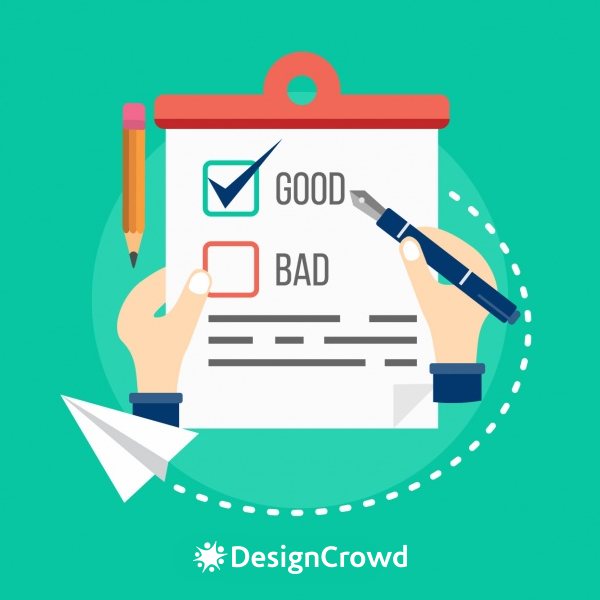
After the client chooses one concept, it is time to revise the design so it meets the goals and outlines.
The client may want you to mix and match from all concepts you have presented, or come up with something entirely new. From comments and suggestions, you can present another round of designs.
On average, one to three rounds of revisions take place before a client approves a design. If that sounds too much to you, don’t fear. Revisions are normal and essential for polishing your work. Even seasoned designers encounter them on a day to day basis. Besides, revisions get easier with each round.
Don't be afraid to give your opinion on what looks best. After all, you're the design expert, and clients often welcome the guidance. But remember to base your suggestions on research and refer frequently back to the client brief. It is important to strike a balance between delivering a design output your client wants and needs.
Step 7 – Completion

Way to go! Your client is loving it, apart from some minor tweaks here and there. Once these are completed there is only one last step...
Get approval. Send the final files – the project is complete! There is nothing more rewarding than turning around a completed graphic design gig to a satisfied client. So congratulate yourself on a job well done.
Pro tip: Get the most out of that jaw-dropping design you just accomplished.
Put it in your portfolio and give your future clients something to look forward to. However, talk to your clients first to know if they ever want to create a non-disclosure agreement or an NDA for the work you just did for them. Once it’s all good for them, embark on a more colorful freelancing journey and look for your next graphic design job.
Make sure to include your work in both your print and online portfolio!

